5 Awesome Databasus Alternatives
 Yulei Chen
Databasus is a free, open-source backup tool for PostgreSQL, MySQL, MariaDB, and MongoDB. It gives you a modern web UI for scheduling backups, storing them on S3, Google Drive, NAS, or SFTP, and verifying restores automatically. With AES-256-GCM encryption, GFS retention policies, and team collaboration features, it covers most database backup needs out of the box.
Databasus Cloud starts from $9/month, with pricing based on how much storage you actually use. The cloud version runs the exact same open-source code with no feature gates. If you prefer to keep everything under your own roof, you can self-host Databasus on Sliplane for just €9/month per server, with one-click deployment, persistent storage, and HTTPS included.
But Databasus is not the only option. Maybe you need a PostgreSQL-specific tool with PITR, a CLI-first workflow for automation, or a general-purpose backup solution that covers files and databases alike. Here are 5 awesome alternatives.
1. Barman
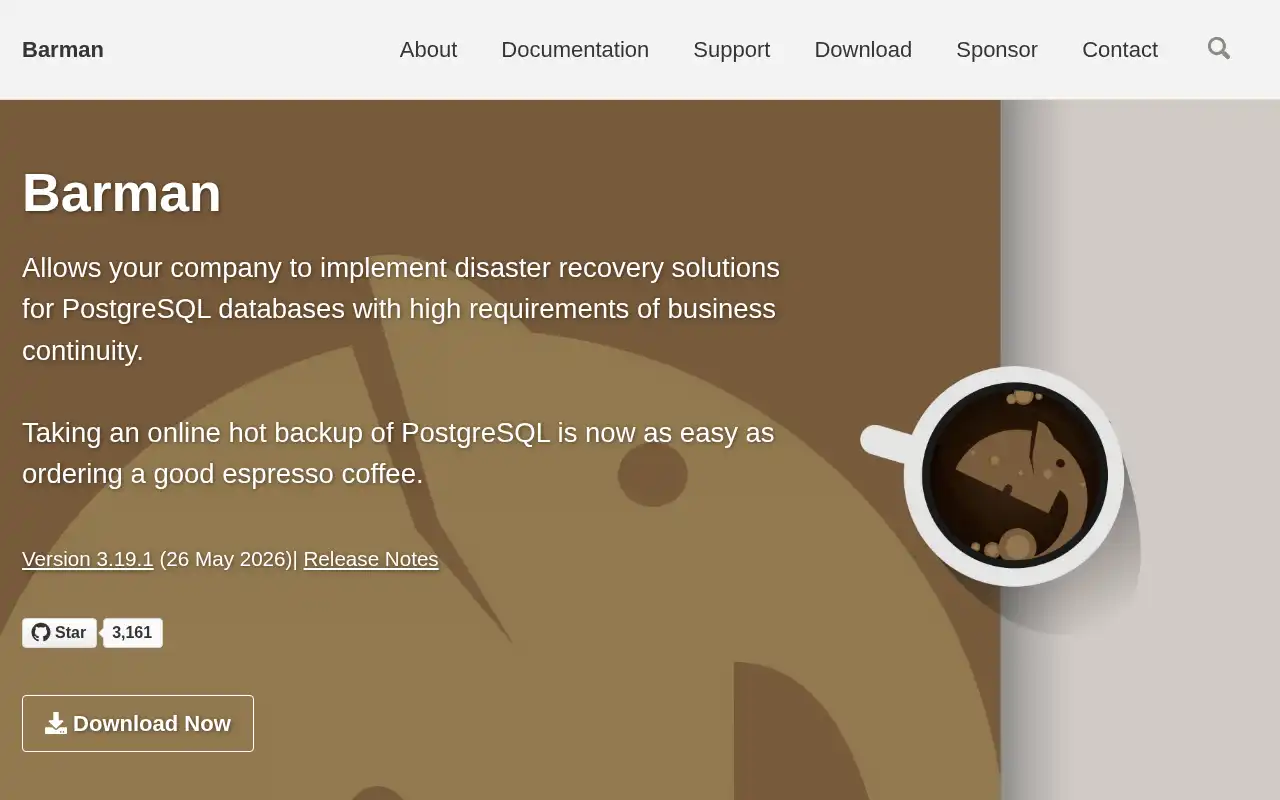
Barman (Backup and Recovery Manager) is an open-source administration tool for disaster recovery of PostgreSQL servers, written in Python and maintained by EnterpriseDB. It is the go-to choice for enterprise environments that need centralized backup management across multiple PostgreSQL instances.
- Features: Full and incremental backups, Point-in-Time Recovery (PITR), remote backup via SSH, WAL archiving and compression, cloud storage support (S3, Azure, GCS), block-level incremental backups for cloud, Prometheus monitoring integration, and retention policies.
- Why You Should Use It: If you run PostgreSQL in a production environment with strict compliance requirements, Barman is battle-tested and backed by EDB, the largest dedicated PostgreSQL company. It excels at managing backups of multiple remote servers from a single host, which Databasus also supports but with a broader multi-database focus.
- Why Not: Barman only supports PostgreSQL. There is no web UI, so everything is managed via the CLI and configuration files. Setup and configuration are more involved than Databasus, especially for teams without a dedicated DBA.
- Pricing: Completely free and open source under GPL v3. Enterprise support is available through EnterpriseDB's commercial offerings. Self-hosting costs only your server, which starts at €9/month on Sliplane.
2. WAL-G
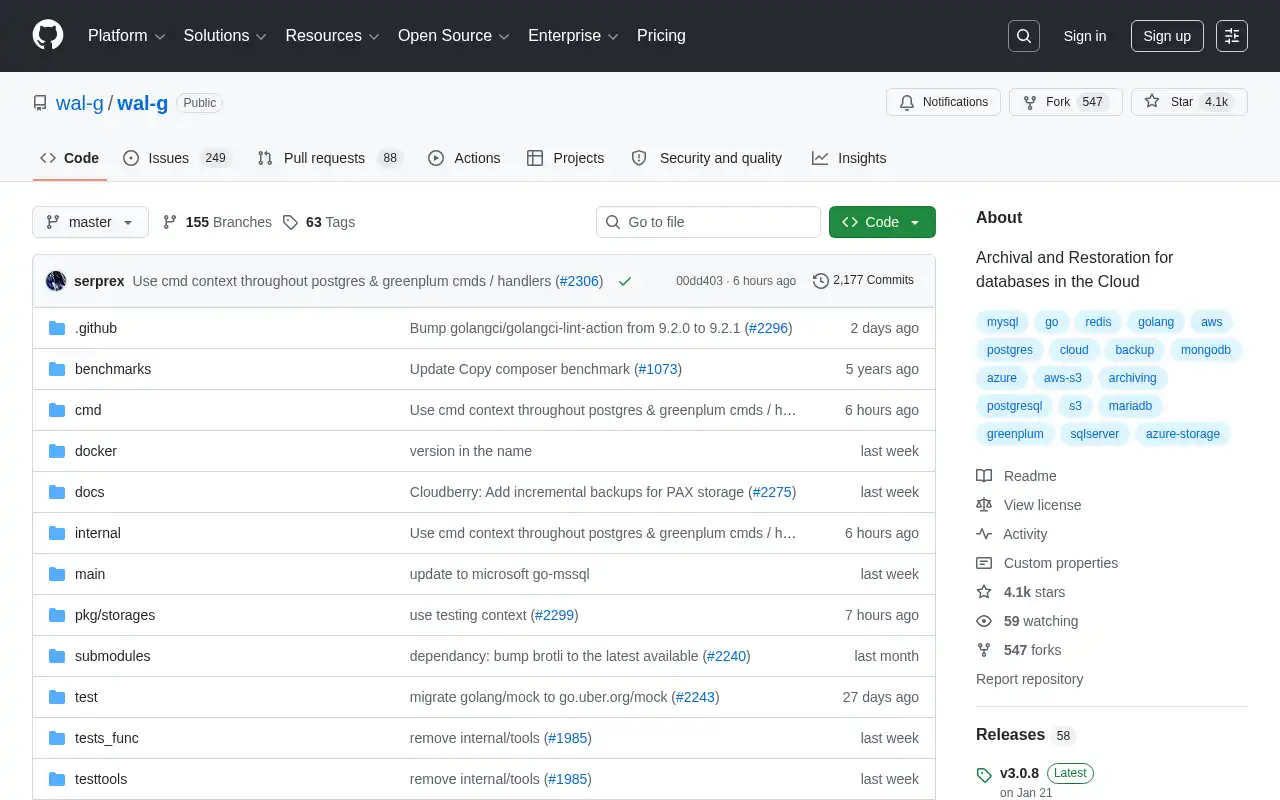
WAL-G is the spiritual successor to WAL-E, built for high-performance archival and restoration of databases in the cloud. Originally created by Citus Data (now Microsoft), it supports PostgreSQL, MySQL, MariaDB, MongoDB, and etcd, making it the closest match to Databasus in terms of multi-database coverage.
- Features: Parallel compression (LZ4, LZMA, ZSTD, Brotli), encryption (libsodium, OpenPGP), delta and incremental backups, failover storage, WAL archiving daemon, partial cluster restoration, and cloud-native storage support (S3, GCS, Azure, SSH, local).
- Why You Should Use It: If performance is your top priority, WAL-G's parallel compression and upload make it significantly faster than traditional tools on large databases. It also supports more database engines than most CLI-based alternatives. Teams comfortable with the command line who want tight integration with CI/CD pipelines will appreciate its scriptability.
- Why Not: There is no web UI or built-in scheduler. You need to configure environment variables and manage cron jobs manually. The learning curve is steep for teams without database administration experience. No built-in notification system for backup status.
- Pricing: Completely free and open source. Your only costs are storage (S3, GCS, etc.) and the server to run it on.
3. Duplicati
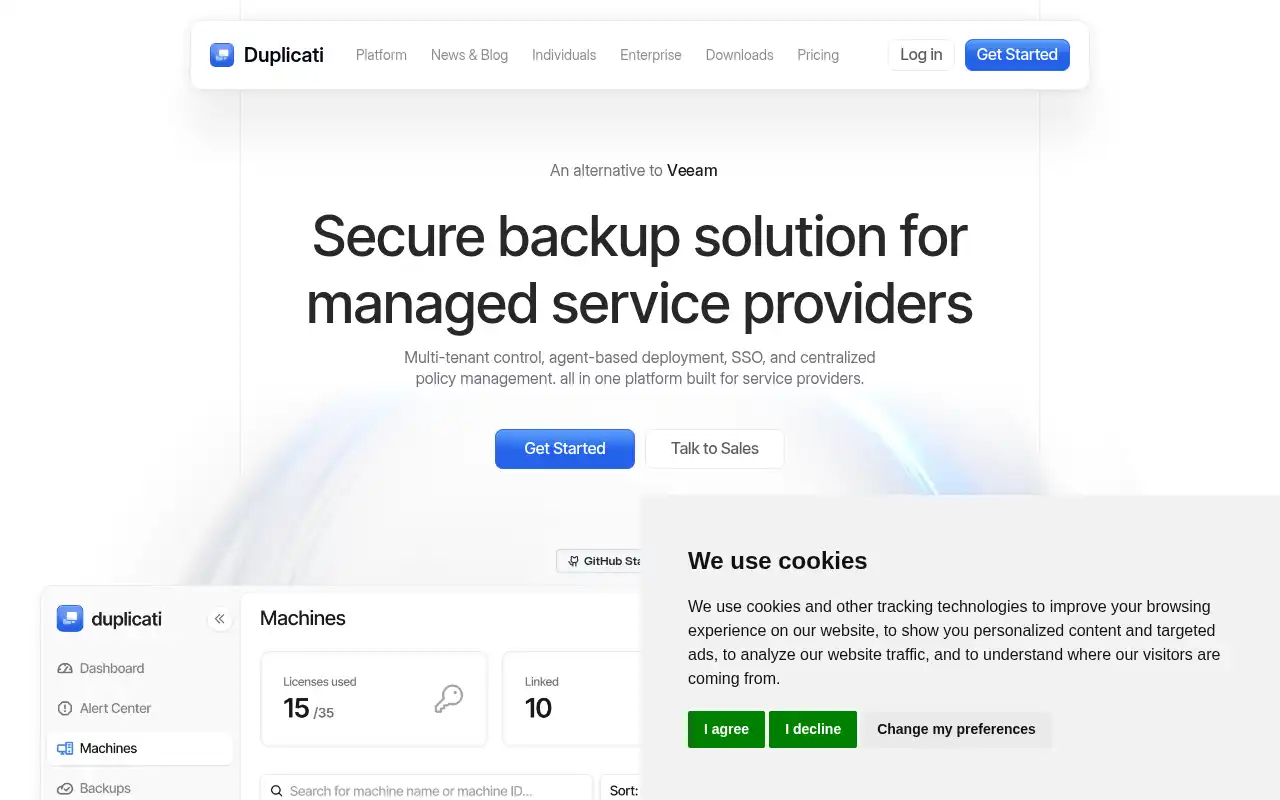
Duplicati is a free, open-source backup solution with a web-based interface that can back up files, folders, and database dumps to virtually any cloud storage. While it is not a database-specific tool like Databasus, it is a popular choice for self-hosters who want a single tool to back up everything on their server.
- Features: AES-256 encryption, incremental backups with deduplication, web-based UI accessible from any browser, built-in scheduler, support for 30+ storage backends (S3, Backblaze B2, Google Drive, OneDrive, SFTP, WebDAV), ransomware protection with immutable backups, and Office 365/Google Workspace backup (new in v2.3).
- Why You Should Use It: If you want one tool to back up both your database dumps and your application files, Duplicati is a solid choice. The web UI makes it easy to set up and monitor without touching a terminal. It supports more storage backends than almost any other backup tool, and the new SaaS backup features in v2.3 are a bonus for teams using Office 365 or Google Workspace.
- Why Not: Duplicati backs up files, not databases directly. You still need to run pg_dump or mysqldump first and then have Duplicati pick up the output. It does not support incremental database backups, WAL archiving, or Point-in-Time Recovery. For database-specific features like restore verification, Databasus is the better fit.
- Pricing: The core software is free and open source (LGPL). The Duplicati Console for centralized management costs $2/machine/month (yearly) or $2.50/month (monthly). Self-hosting the backup agent is free.
4. Kopia
Kopia is a modern, cross-platform backup tool that takes a snapshot-based approach to data protection. It ships with both a CLI and a desktop GUI (KopiaUI), supports end-to-end encryption by default, and can run in server mode for centrally managing backups of multiple machines.
- Features: End-to-end encryption (AES-256 or ChaCha20), compression (zstd, gzip, pgzip), content-addressable deduplication, desktop GUI and CLI, server mode for multi-machine management, flexible hierarchical retention policies, and support for S3, Azure, GCS, Backblaze B2, SFTP, WebDAV, and Rclone backends.
- Why You Should Use It: If you want a modern alternative to BorgBackup or Restic with a graphical interface, Kopia is the best option. The desktop GUI makes it accessible to users who prefer not to work in the terminal. Server mode is great for small teams that need centralized backup management without paying for enterprise solutions. It is also one of the fastest open-source backup tools thanks to parallel processing and efficient deduplication.
- Why Not: Like Duplicati, Kopia is a file-level backup tool, not a database backup tool. You would need to script your own database dumps before snapshotting. There is no built-in database awareness, restore verification, or notification system. The web UI in server mode is functional but minimal compared to Databasus.
- Pricing: Completely free and open source under Apache 2.0. All features are included with no premium tier. You only pay for whatever storage backend you choose.
5. Restic
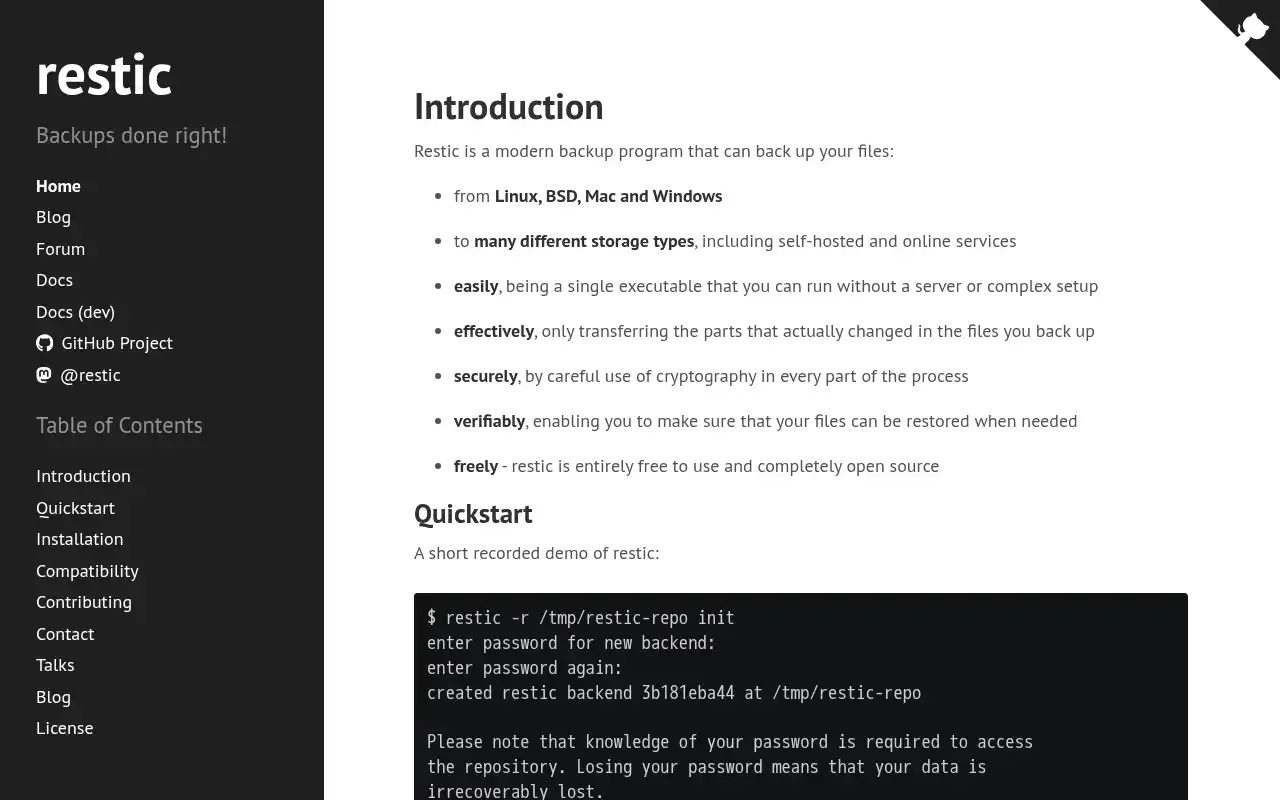
Restic is a fast, secure, and efficient backup program with over 30,000 GitHub stars. It follows a philosophy of simplicity: a single standalone binary, no server setup, and sensible defaults. Restic is widely considered the gold standard for CLI-based backups.
- Features: AES-256 encryption with Poly1305 authentication, content-addressable deduplication, cross-platform support (Linux, macOS, Windows, BSD), multiple storage backends (S3, Azure, GCS, Backblaze B2, SFTP, REST server), snapshot browsing and mounting, and data integrity verification.
- Why You Should Use It: If you want the simplest possible backup setup that "just works," Restic is hard to beat. A single binary, one command to initialize a repository, one command to back up. The deduplication is excellent, the encryption is mandatory (no accidental unencrypted backups), and the community is massive. It is also the engine behind several higher-level tools like Déjà Dup and Zmanda Pro.
- Why Not: Restic is CLI-only with no built-in web interface, scheduler, or notification system. Like Kopia and Duplicati, it operates on files, not databases. You need external scripting to handle database dumps, scheduling (cron), and alerting. For a fully integrated database backup experience, Databasus is significantly easier to set up and operate.
- Pricing: Completely free and open source under the BSD 2-Clause license. No commercial pricing. Storage costs depend on your chosen backend.
Conclusion
| Tool | Best For | Ease of Setup | Focus | Cloud Pricing |
|---|---|---|---|---|
| Databasus | Multi-DB backup with web UI | Very Easy | Database backup | Cloud from $9/mo |
| Barman | Enterprise PostgreSQL disaster recovery | Moderate | PostgreSQL PITR | Free (open source) |
| WAL-G | High-performance cloud-native backup | Hard | Multi-DB archival | Free (open source) |
| Duplicati | All-in-one file and dump backup | Easy | General-purpose backup | Console $2/machine/mo |
| Kopia | Modern backup with desktop GUI | Easy | Snapshot-based backup | Free (open source) |
| Restic | Minimal, reliable CLI backup | Easy | Encrypted file backup | Free (open source) |
Each tool fills a different gap: Barman for enterprise PostgreSQL disaster recovery, WAL-G for high-performance cloud-native archival, Duplicati for all-in-one backup with a web UI, Kopia for modern snapshot-based backup with a desktop GUI, and Restic for minimal, rock-solid CLI backup.
Databasus remains the best choice if you want a single tool that handles PostgreSQL, MySQL, and MongoDB backups with a polished web interface, automated scheduling, and restore verification. But if your needs lean more toward PostgreSQL-specific PITR, high-performance archival, or general-purpose file backup, one of these alternatives might be a better fit.
If you want to self-host Databasus or any of these alternatives, check out these guides: